

Wed, 02/25/2026 - 09:43
I am loading xml files to be displayed in the screen. The xml defines shapes and colors, so for creating the object, I am using a TopoDS_Compound and an AIS_ColoredShape so each part of the shape can be displayed in a different color. Also, I'm trying to use OCAF for displaying a complex structure and to provide Undo/Redo operations.
The problem I'm facing is the following one:
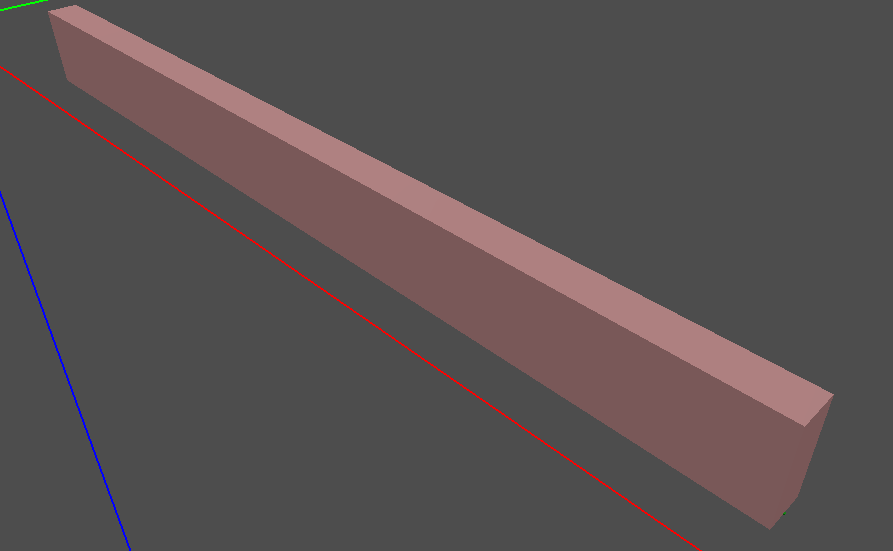
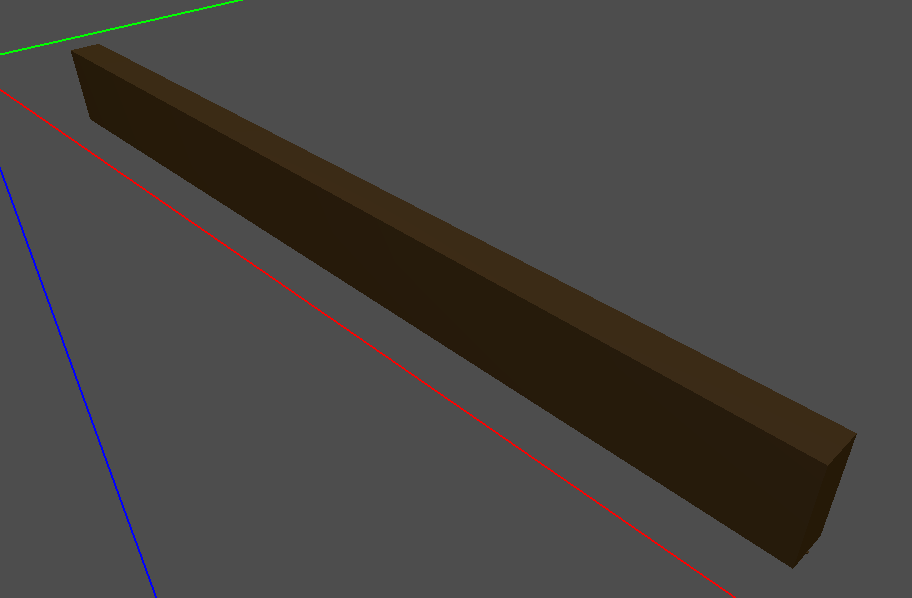
When creating the object, adding to OCAF and then displaying the tree, it is working fine. Then, If I undo the operation, the object dissapear as it is expected. But finally, when I apply a redo operation, the object is displayed in black. It seems it is missing the colors of the sub_shapes
Also, I have implemented a hide selected/show hidden object operation. If I hide the object it disappears properly, but when I try to show it again (recovering it from a dictionary of <string, AIS_ColoredShapes>) it always is displayed in a unique color, missing the sub_shapes colors information
As I said, the AIS_ColoredShape is already created but the color is missed. Is there something to be done when re-displaying an AIS_ColoredShape that I am missing or has anyone faced a similar problem??
I am using c# .Net 8 and the Open Cascade c# wrapper
This is the code where I recover the info from the dictionary and the OCAF label:
AIS_ColoredShape aisC;
_coloredAisByEntry.TryGetValue(entry, out aisC);

if (aisC != null && !aisC.IsNull())
{
    int mode; _ocaf.TryGetDisplayMode(label, out mode);
    _ctx.SetDisplayMode(aisC, mode, true);
    if (!_ctx.IsDisplayed(aisC))
        _ctx.Display(aisC, true);
    _ctx.Update(aisC, false);
}
Where _ctx is the AIS_InteractiveContext.
Thank you very much in advance

Wed, 02/25/2026 - 11:32
AIS_ColoredShapedoesn't deal with OCAF directly - it stores onlyTopoDS_Shapeand assigning colors/materials. Hence, on its own it cannot be affected by any OCAF operations like Undo/Redo. (In contrast,XCAFPrs_AISObjectcomputes presentation fromTDF_Label, thus takingTopoDS_Shapeand colors from XDE document, when recomputed).How
AIS_ColoredShapeis filled in in your case and updated by Undo/Redo operation is unclear to me.Wed, 02/25/2026 - 11:50
This is part of the class where the AIS_ColoredShape is created:
Then, the AIS_ColoredShape is stored in a dictionary to be recovered later
Wed, 02/25/2026 - 18:25
I have found what seems to be the solution. I was hiding the objects using the method Remove from AIS_InteractiveContext. Using Erase instead seems to solve my issues.
Honestly, I do not understand what is different about using one method or the other
Thu, 02/26/2026 - 09:15
The difference between
AIS_InteractiveContext::Remove()and::Erase()is that the first one removes object completely from Context and cleans up all computed presentations - so that within the next::Display()they should be recomputed anew.::Erase()only marks object as hidden one, but keeps it computed presentations in memory so that::Display()later on will reuse them.Cannot reproduce described side effects from the given code snippets - so I guess the issue happens due to some other factors or another code. Which OCCT version is used by the way?
BRepMesh_IncrementalMeshcalled like this will perform meshing twice - within the constructor and then by called::Perform().This works in this case, but logically you should construct
TopoDS_Compoundfirst and then pass it toAIS_ColoredShape. Once constructed,TopoDS_Shapeis expected to be an immutable object, so that adding/removing subshapes shouldn't be done afterwards - instead a copy should be created and filled in. OneTopoDS_Shapeis added as subshape to anotherTopoDS_Shapeit is also marked 'Frozen' and attempts to modify it viaBRep_Builder::Add()and similar will throwTopoDS_FrozenShapeexception.What
AIS_Shapedoes here? How createdAIS_ColoredShapeis linked toAIS_Shape?Pay attention to
theToUpdateViewerflag withinAIS_InteractiveContextmethods. When give ittruein a row, this means that Viewer will be redrawn multiple times, and you might see intermediate steps as blinking frames.Sat, 02/28/2026 - 18:22
Thank you very much. You have spotted several things in the code I did not realize about. I'm very new using the Open Cascade library and I'm learning lots of thing the hard way.
I'm using Open Cascade 8.1 with the c# wrapper comertialized by Open Cascade. Just as a comment I have found several things that work different from the c++ version due (probably) for the extra abstraction layer of the wrapper and how memory is treated