

Mon, 04/27/2026 - 09:42
Forums:
I am currently using AIS_RubberBand to display a selection rectangle on the screen.
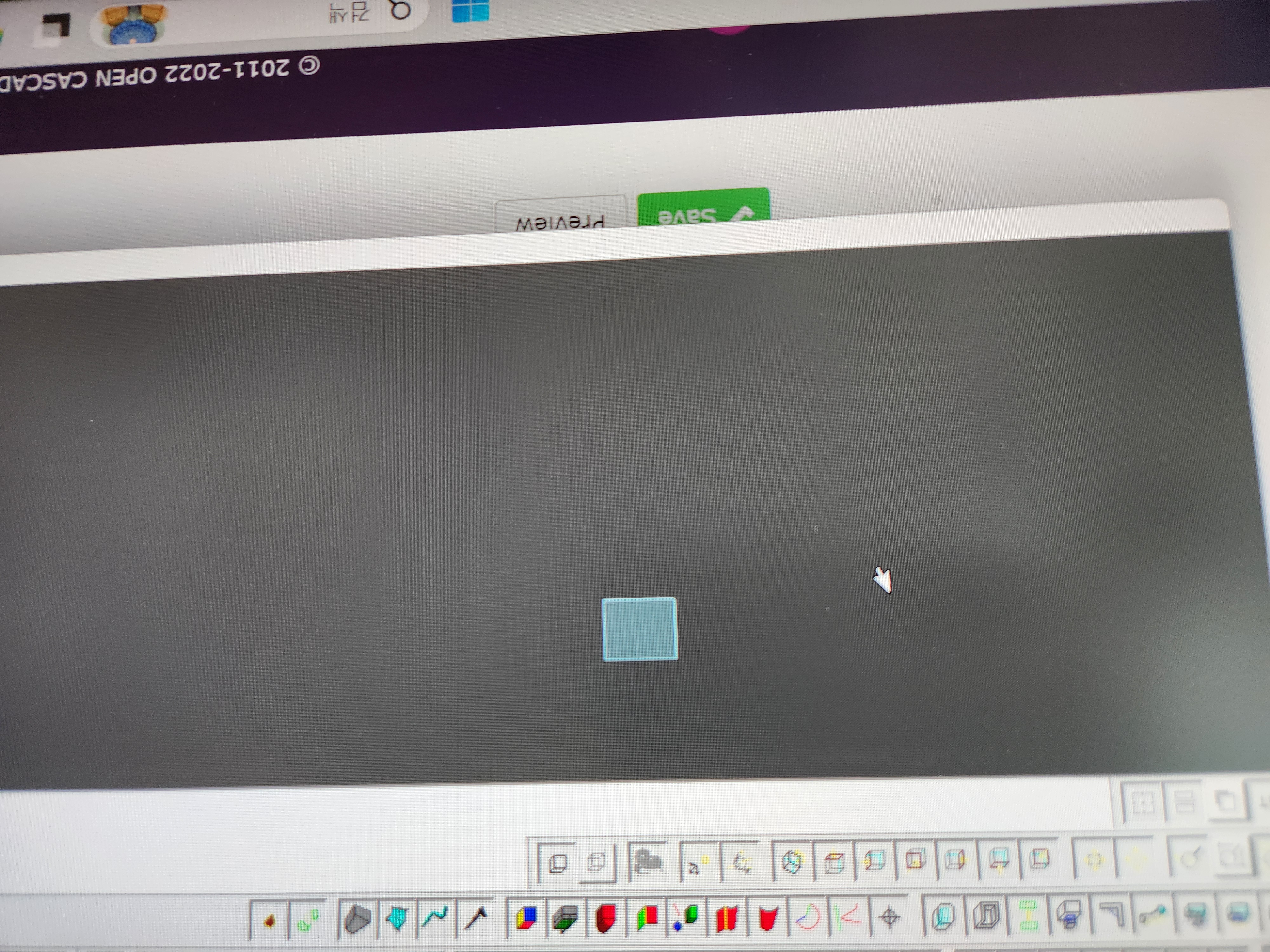
However, when the View's width is significantly longer than its height (approximately a 4:1 aspect ratio), the Rubber Band is visualized in the wrong position. This issue is also reproducible in the standard Sample when using the "Zoom to Window" functionality.
How can I resolve this?
Attachments:

Tue, 04/28/2026 - 08:29
The issue is a side effect of an attempt to automatically fit 2D objects into a center of view in VR headset (e.g.
Aspect_OpenVRSession). You may see this behavior by displaying 2D objects likeAIS_ViewCube, though this wasn't supposed to breakAIS_RubberBand.Set
Graphic3d_Camera::SetFOV2d()property to something large enough to avoid this side effect (the camera object could be accessed fromV3d_View::Camera()).